AI Writing Coach & Studio
The Writing Coach & Studio is where you train MonkX deeper — your facts, your voice, your final decision. It has four areas: Profile coach, What I remember, Review a draft, and the Publishing & growth studio.
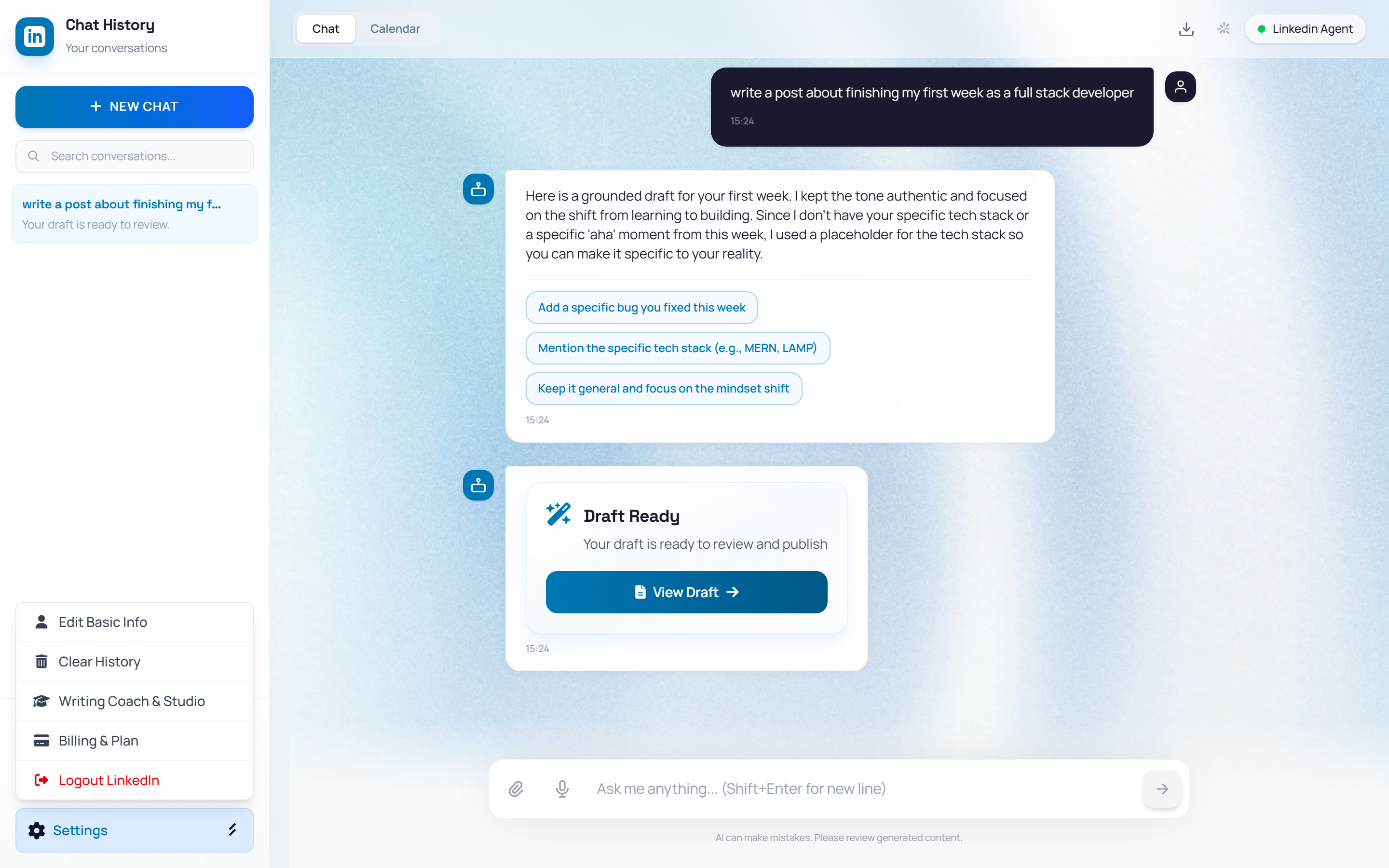
Open the Writing Coach & Studio
👉 Inside the LinkedIn Agent, click "Settings" at the bottom of the left sidebar, then "Writing Coach & Studio". A full-screen studio opens over the chat.
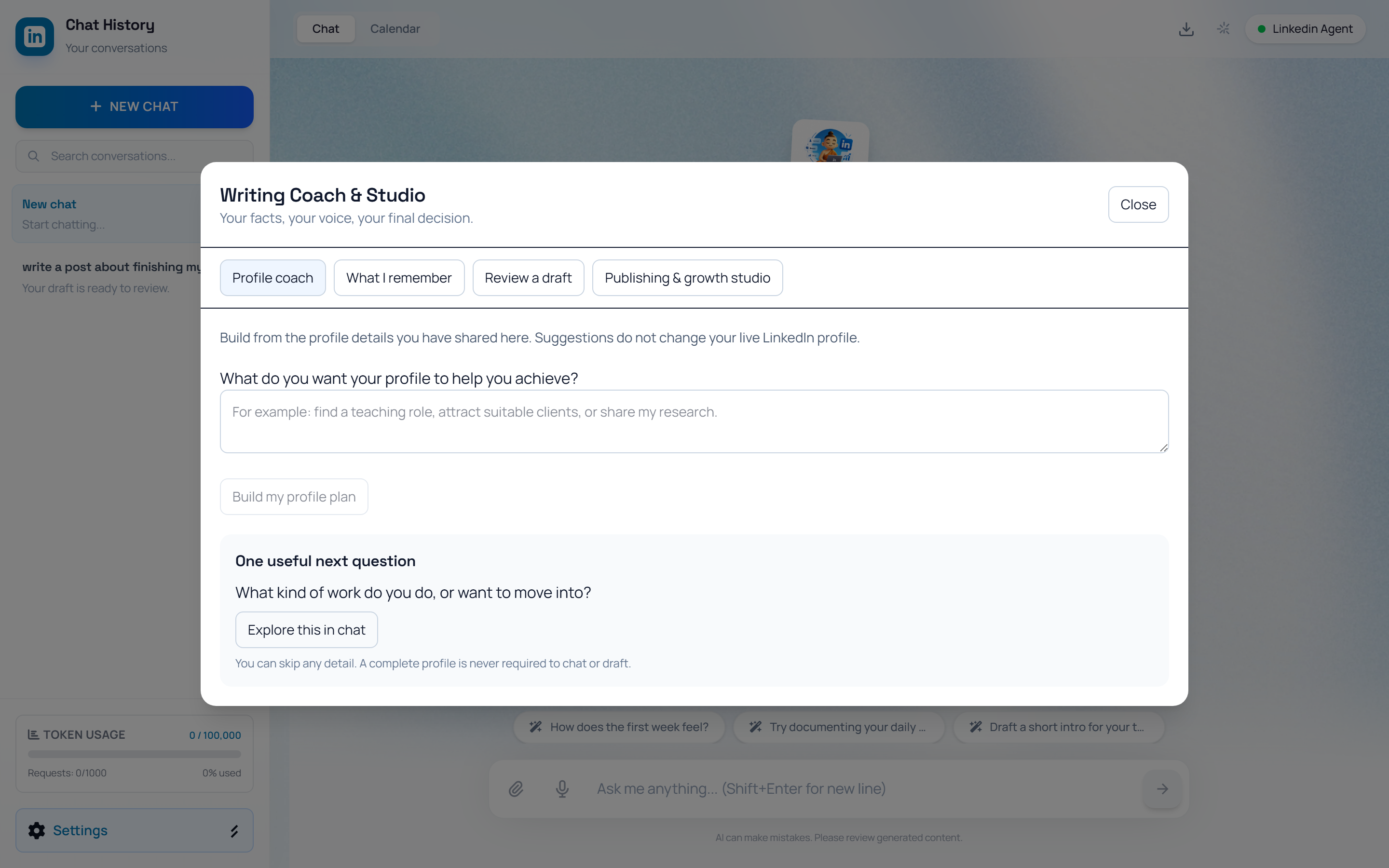
1. Profile coach
Tell the coach what you want your LinkedIn profile to achieve — find a role, attract clients, share research — and click Build my profile plan. It returns headline alternatives, an editable About draft, section-by-section actions, and post ideas — all built only from details you have shared. The “One useful next question” card jumps into a guided chat if your profile is still thin.
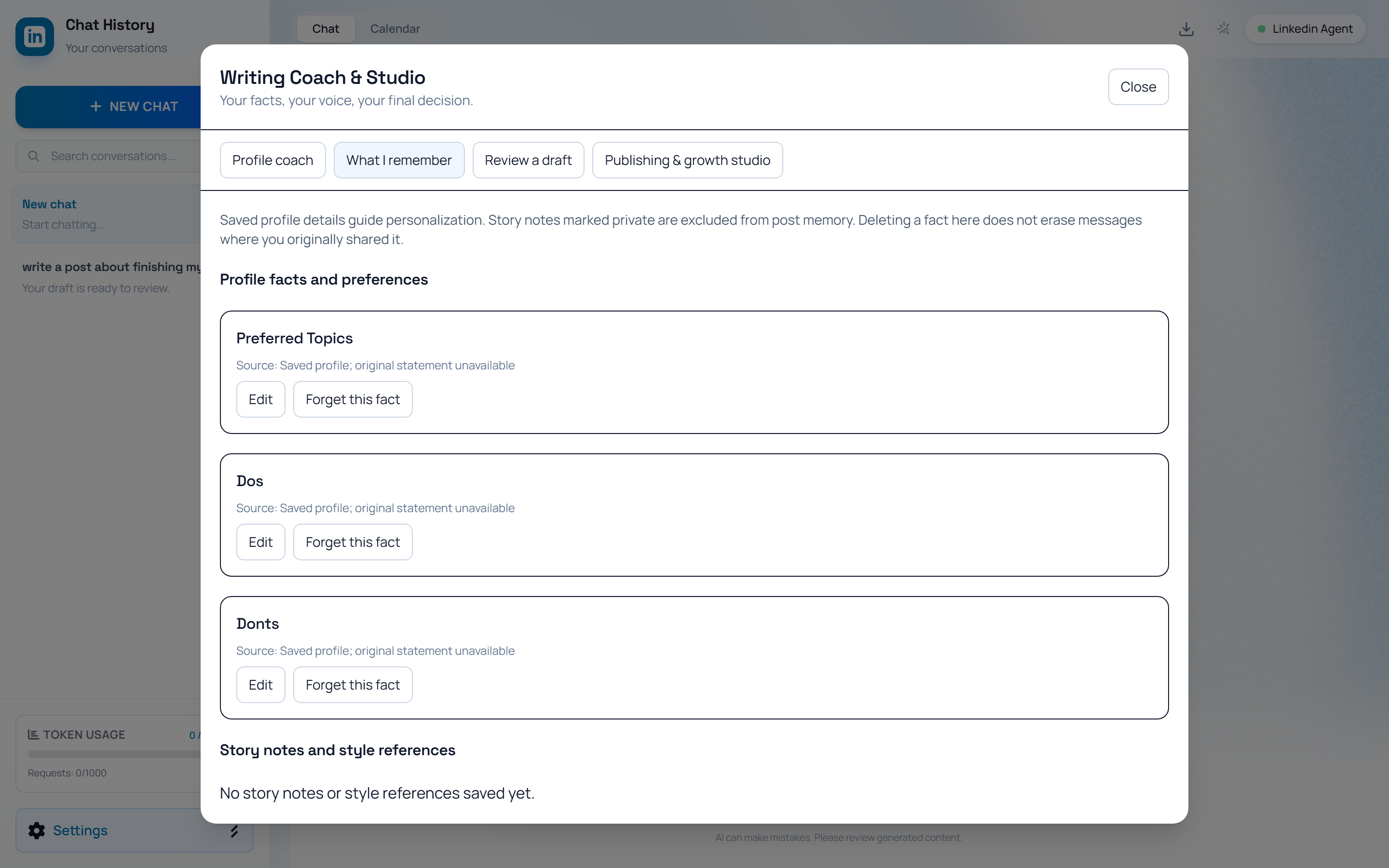
2. What I remember
Every fact MonkX has learned lives here — Profile facts and preferences (role, audience, dos and don'ts, topics) plus Story notes and style references. Each card shows its source; you can Edit a fact or Forget this fact, and control whether a private note is allowed into public drafts. Deleting a fact does not erase the chat where you shared it.
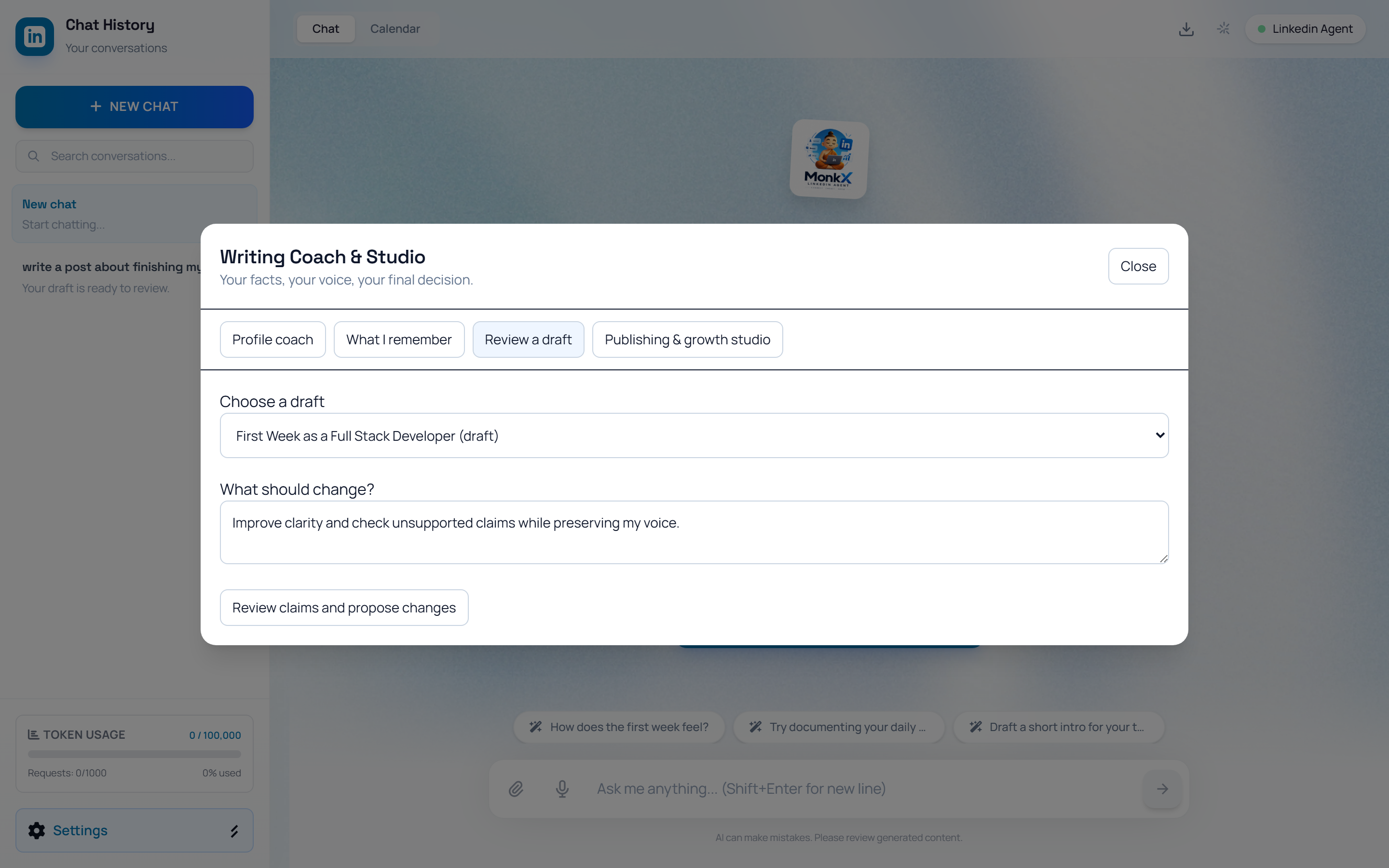
3. Review a draft
Pick any draft, write what should change, and click Review claims and propose changes. MonkX returns a side-by-side Current draft vs Proposed revision you can edit, a Claim review that checks each statement against supplied evidence, and an option to save a writing preference or use the revision as a voice sample. Accepting the revision saves it — it never publishes by itself.
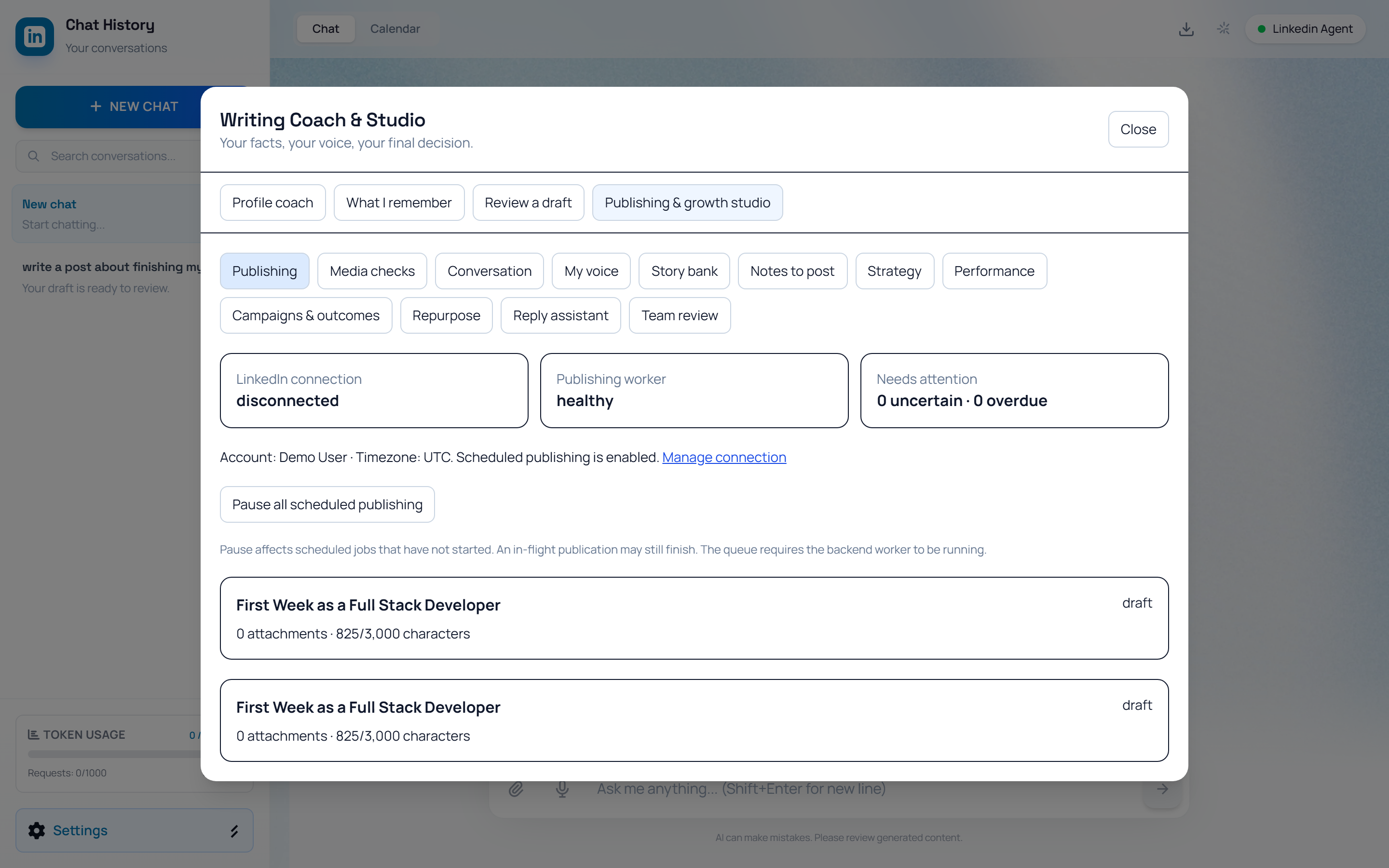
4. Publishing & growth studio
The studio tab holds twelve focused tools in one place: