
Manage Leads & Follow-ups
Learn the day-to-day workflow for working with leads and follow-ups inside the CRM workspace.
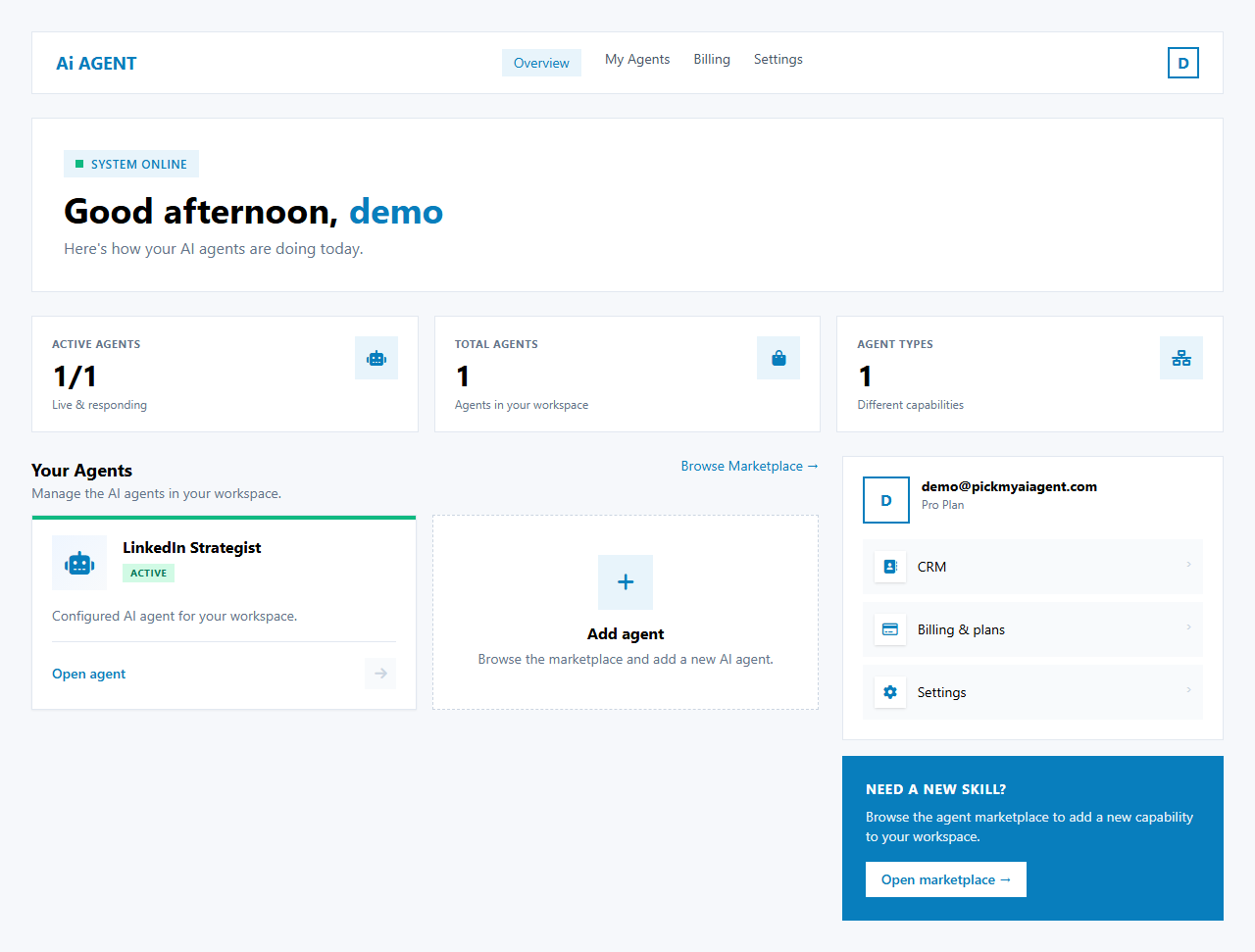
CRM follow-up automation — evolvingLead management and follow-up features are under active development. The steps below describe the current workspace as of today; screenshots use the Dashboard for reference until dedicated CRM screenshots are published.
Current workflow
- Open the CRM workspace — from /dashboard click Launch on the CRM Agent card.
- View your pipeline — the CRM dashboard shows deal stages, totals, and recent activity.
- Open a contact or deal — click any row in the Contacts or Deals table to view details, notes, and history.
- Log a follow-up — add a note or task with a due date so the CRM can remind you.
Tips
- Keep contact records up to date — accurate stage and owner fields make pipeline views reliable.
- Use the global search (top bar) to quickly find a contact or company.