
Getting Started with CRM AI Agent
The CRM AI Agent helps you organize contacts, track leads, and manage your sales pipeline from one workspace.
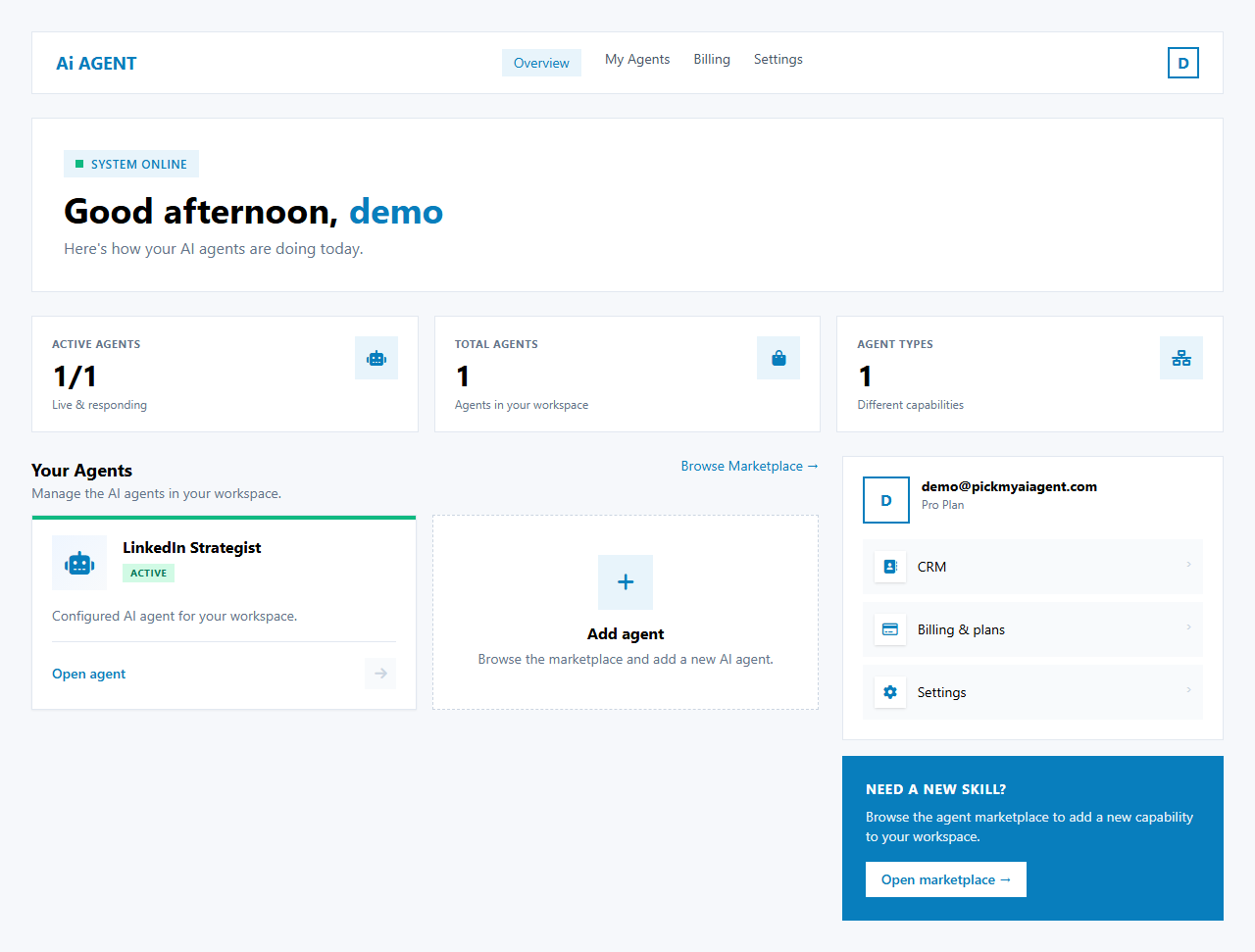
NoteThe CRM Agent is available from your Dashboard. Launch it from the Your Agents section to open your CRM workspace. If you do not yet see the CRM card, it will appear once enabled for your account.
Contacts & Leads
Centralize all contacts, companies and deal records in one table.
Pipeline
Track deal stages from lead to closed — see where every opportunity stands.
Follow-ups
Get reminders and suggested next actions so no lead goes cold.
How to open the CRM
- Go to /dashboard.
- Find the CRM Agent card under Your Agents.
- Click Launch to enter the CRM workspace.
- On first launch you may be asked to create a workspace — enter your company/team name and confirm.
What you can do next
Once inside the CRM, use the sidebar to switch between Dashboard, Contacts, Deals, and Settings. See Manage Leads & Follow-ups for the day-to-day workflow.