
Launch & Manage Agents
Learn how to launch active AI agents from your dashboard, manage their configurations, and monitor their status.
STEP 1
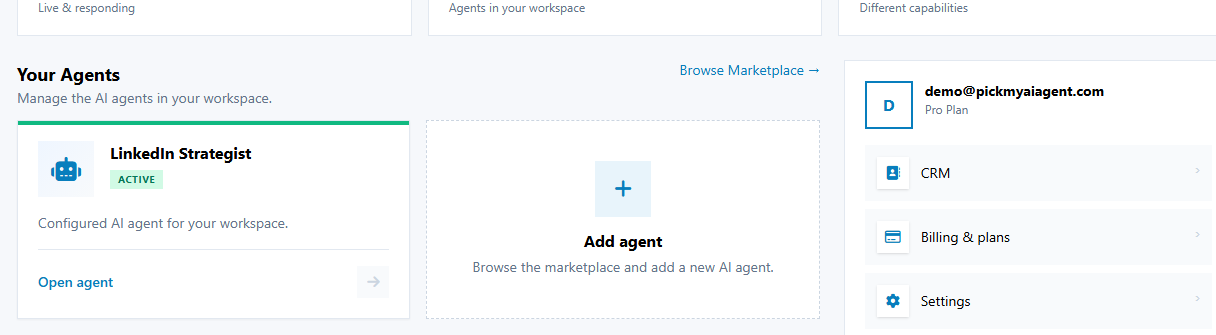
Find Agent Card in Your Agents
👉 Go to your main Dashboard and scroll to the Your Agents section to view all agents assigned to your account.
STEP 2
Click Launch to Enter Agent
👉 Click the Launch button on the agent card to open its specialized workspace.
STEP 3
Manage Agent Settings
👉 Use the agent header controls to adjust persona parameters, update configuration settings, or switch between agents.
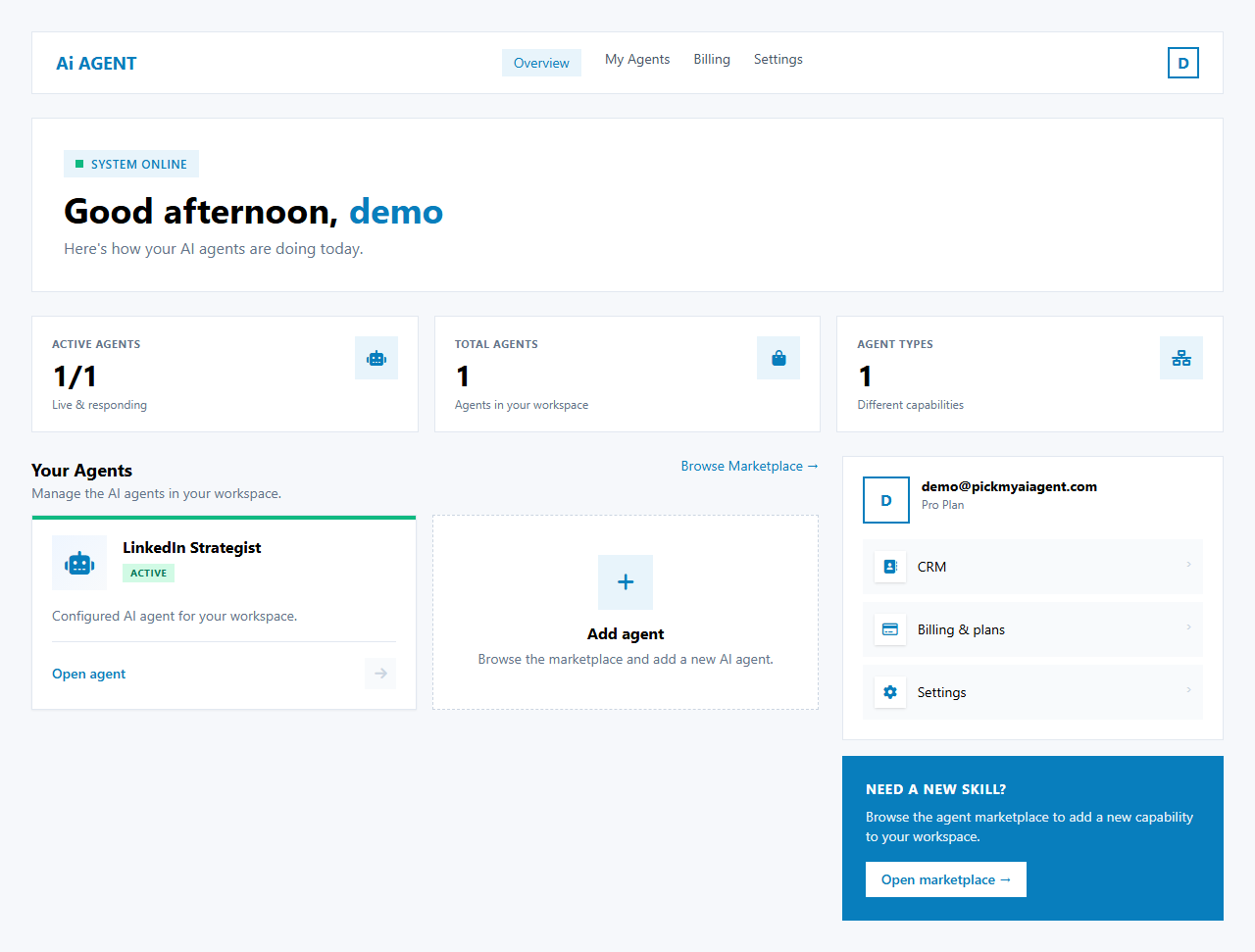
TipYou can keep multiple agents active simultaneously. Switch between LinkedIn Yeti and CRM Agent anytime from your main dashboard navigation.
⚡ WORKFLOW SUMMARY
1VIEW DASHBOARD
➔2LOCATE AGENT
➔3CLICK LAUNCH
➔4CONFIGURE & MANAGE
✓COMPLETED