
View Scheduled Posts
Keep track of your upcoming LinkedIn content schedule and inspect detailed previews of every scheduled post.
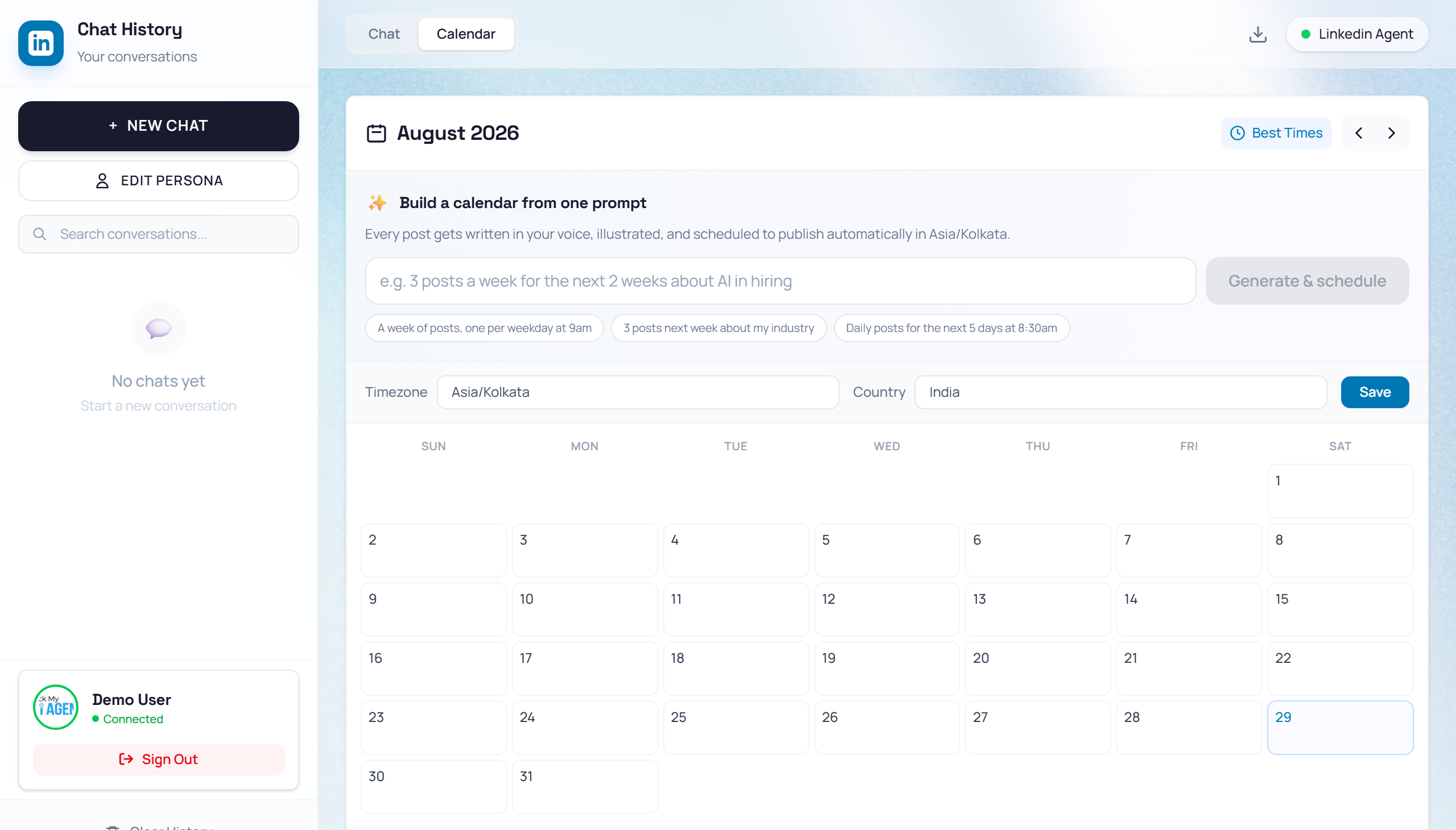
Viewing post details
When viewing the Content Calendar inside the LinkedIn Agent:
- Locate a date on the calendar with a blue dot or card indicator.
- Click on the post item to open the Post Details side panel.
- Review the full post text, scheduled publishing date and time, target network (LinkedIn), and attached media.
NotePosts scheduled for future dates remain in the queue until the exact scheduled time, at which point MonkX publishes them automatically.